El tiempo medio
de pantalla es
de 5h/día
Eso significa que perderás
Eso significa que perderás
15 años de tu vida
15 años de tu vida
Pero no solo pierdes tiempo... También pierdes:
Pero no solo pierdes tiempo... También pierdes:
 Recuerdos
Recuerdos
Recuerdos
 Presencia
Presencia
Presencia
 conexión
conexión
conexión
 mañanas
mañanas
mañanas
 Concentración
Concentración
Concentración
 Ideas
Ideas
Ideas
Ideas
 Hobbies
Hobbies
Hobbies
 Conversaciones
Conversaciones
Conversaciones
 Claridad Mental
Claridad Mental
Claridad Mental
 Energía
Energía
Energía
 Objetivos
Objetivos
Objetivos

¿Qué pensaría tu yo de 80 años sobre cómo usas tu tiempo?
¿Qué pensaría tu yo de 80 años sobre cómo usas tu tiempo?
¿Te imaginas darte cuenta tarde de que has tirado lo único que no vuelve?
¿Te imaginas darte cuenta tarde de que has tirado lo único que no vuelve?
Pero... ¿Qué es Monk?


Pero... ¿Qué es Monk?
Monk es un dispositivo físico que, cuando lo escaneas, bloquea las aplicaciones que tú has seleccionado.
La única manera de desbloquearlas es volver a escanearlo: una barrera real entre tú y las distracciones.
Monk es un dispositivo físico que, cuando lo escaneas, bloquea las aplicaciones que tú has seleccionado.
La única manera de desbloquearlas es volver a escanearlo: una barrera real entre tú y las distracciones.
Tu vida
sin Monk


Tu vida
con Monk
¿Cómo funciona?
Tres pasos. Sin depender de tu fuerza de voluntad.

Eliges tus apps
Marcas en la app las que te roban el tiempo. Instagram, TikTok, el correo... las que tú decidas.

Escaneas el Monk
Acercas el móvil y esas apps se bloquean al instante. No habrá manera de accederlas.

Entras en presencia
El móvil sigue contigo; el ruido, no. Trabajas, lees, vives. La única manera de desbloquear las apps es volviendo a escanear el Monk.
 ✗Instagram
 ✗TikTok
 ✗YouTube
 ✗X
✗X ✗Facebook
 ✓Cámara
 ✓Llamadas
 ✓WhatsApp
 ✓Mapas
 ✓Spotify
Y si un día lo necesitas de verdad, tienes 3 desbloqueos de emergencia. Eso sí: diseñados para emergencias reales.
¿Cuánto tiempo de vida te quita el móvil?
¿Cuánto tiempo de vida te quita el móvil?
Casos de uso
 Trabajo
El deep work de Marcos, 31
Necesita 2-3 horas sin interrupciones para entrar en modo foco. Se monkea, el móvil desaparece y entra en deep work.
 Estudio
Laura se va a la biblioteca monkeada, 22
Deja el Monk en casa. En la biblioteca no hay manera de desmonkear. Cuando termina, vuelve a existir el móvil.
 Deporte
Iván entra al gym sin notificaciones, 29
Se monkea antes de salir y deja el Monk en casa. Entrena sin el peso mental de lo que queda por leer.
 Familia
Álvaro se monkea al llegar a casa, 38
El móvil deja de existir hasta que los niños se duermen. Dos horas presentes de verdad. Cada día.
 Mañanas
Claudia empieza el día sin scroll, 26
El Monk duerme fuera de la habitación. La mañana empieza con libro y café, no con el feed.
 Detox
DetoxMarina viaja sin distracciones, 27
Se monkea al subir al avión. Presente en cada momento del viaje. Lo que no importa puede esperar.
 Amigos
Tomás deja el móvil en casa antes de quedar, 24
Sin mirar el móvil cada diez minutos. Presente de verdad. Sus amigos se han dado cuenta del cambio.
 Pareja
Lucía y Dani cenan sin pantallas, 30
Un solo Monk para los dos. Se monkean al poner la mesa y la conversación vuelve.
 Creatividad
Ana compone mejor sin el móvil cerca, 25
Deja el Monk fuera del estudio. Sin interrupciones, sin notificaciones. La inspiración llega cuando no hay ruido.
Nuestra Comunidad

“Después de una semana ya noté la diferencia.”

“Por fin trabajo dos horas seguidas sin abrir Instagram.”

“Siento que tengo más horas al día.”

“Me hizo más consciente de cuánto tiempo perdía.”

“Decido yo cuándo cojo el móvil, no al revés.”

“Cenamos en familia sin móviles. Por fin.”

“Lo mejor: dejar de empezar el día scrolleando.”

“Mi novia y yo volvemos a cenar hablando.”

“Mejor inversión del año sin duda.”

“Me lo regaló mi pareja. Ya sabía por qué.”

“Que tengas que ir a buscarlo es lo que hace que funcione.”


Nos conocen y nos apoyan


Movimiento
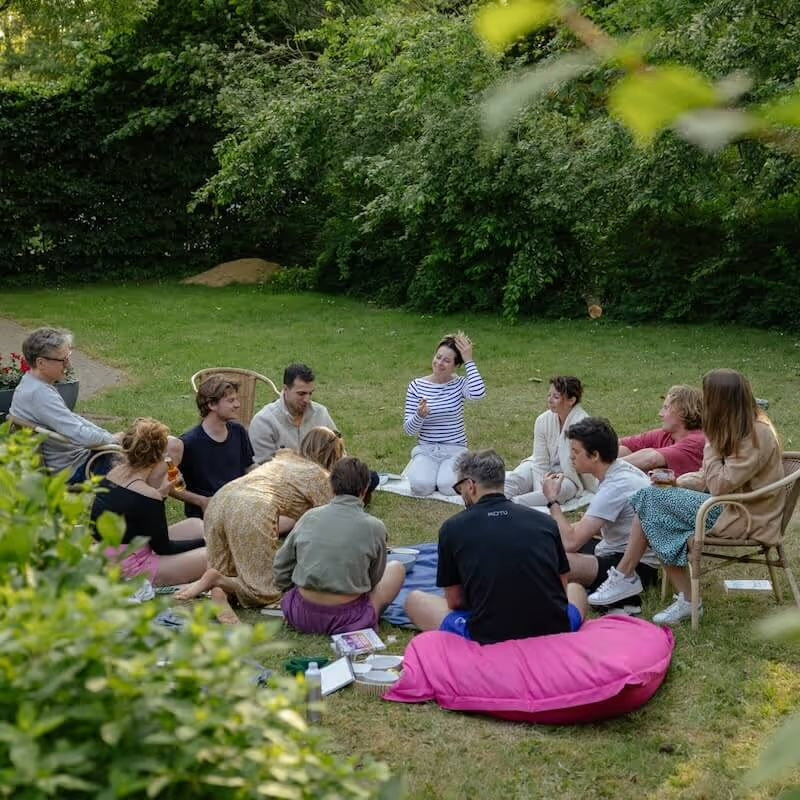
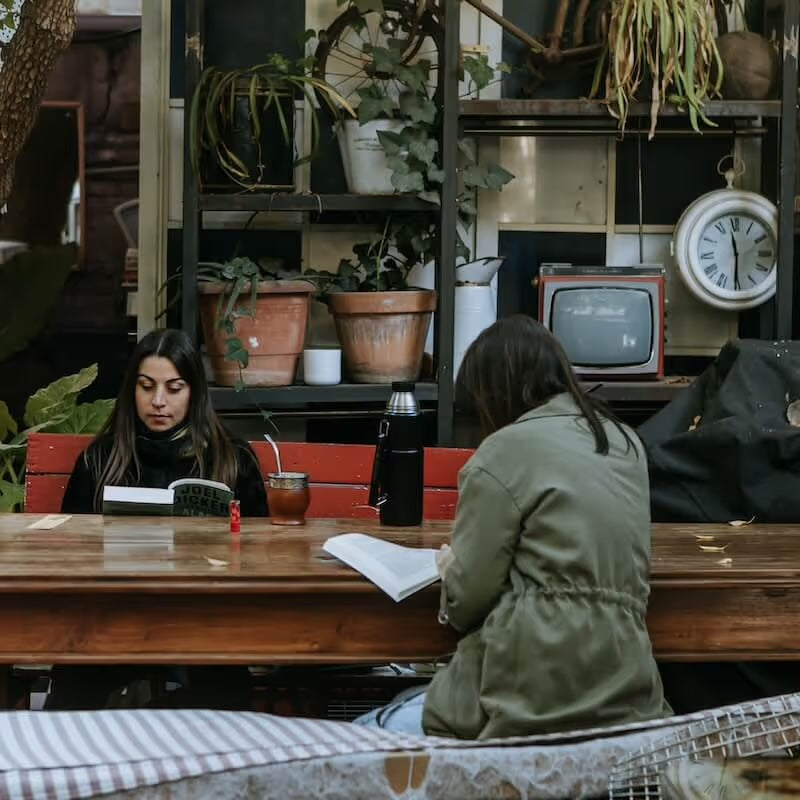
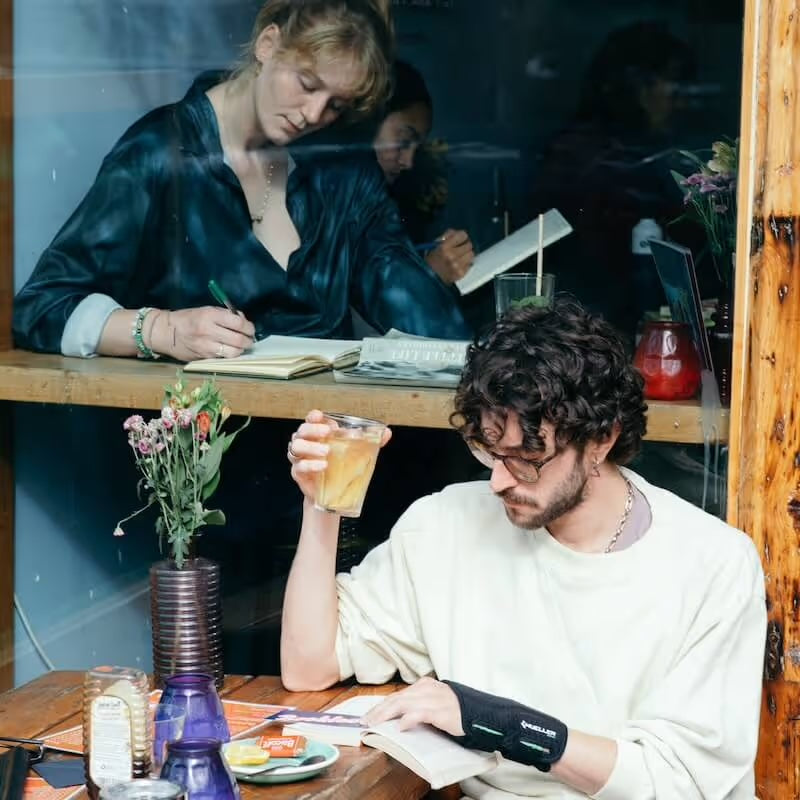
Monk se une a The Offline Club: quedadas sin móvil en tu ciudad.
Quedadas sin móvil en Madrid, Barcelona y Valencia. Elige tu ciudad. Conoce el movimiento.
¿Cuánto vale tu tiempo?
¿Cuánto vale tu tiempo?
Cuando compras un Monk no compras un dispositivo. Compras tiempo. Momentos que no vivirías si estuvieses con el móvil. Un paso más hacia convertirte en la persona que quieres ser.
Cuando compras un Monk no compras un dispositivo. Compras tiempo.
Momentos que no vivirías si estuvieses con el móvil.


